
Google Play Store PC
Google Play is Google's digital distribution platform. On Windows, Google offers Play content through the browser and Google Play Games on PC.
52.9 MB

DAEMON Tools Lite is a Windows program for mounting ISO and other disc images as virtual drives and creating images from discs.
Average 0.0 · ratings: 0
Thank you! Your rating is saved; you can change it. Could not save the rating. Please try again later. Too many ratings from your network today. Please try again tomorrow. The average appears after 5 ratings.
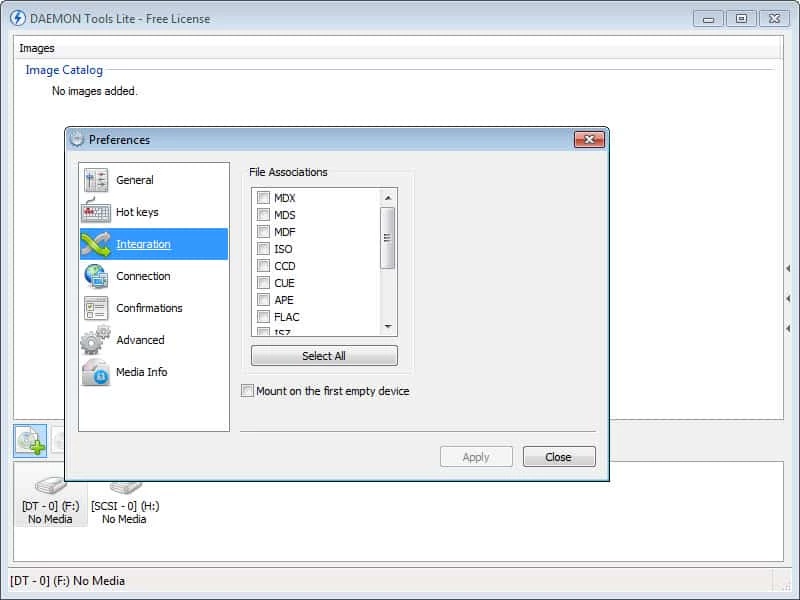
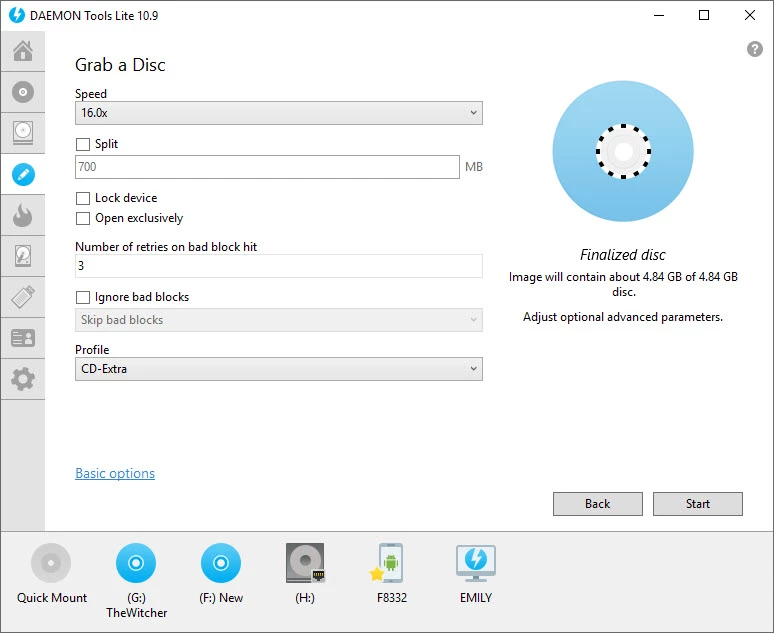
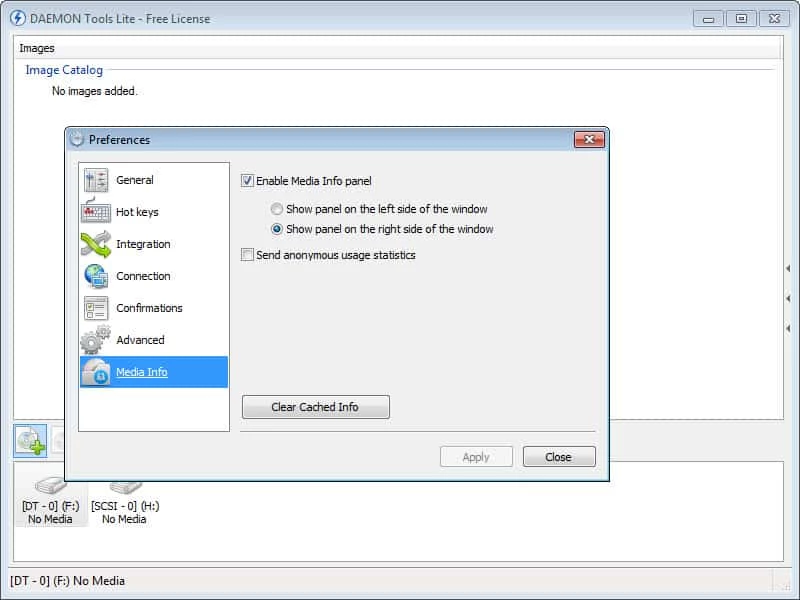
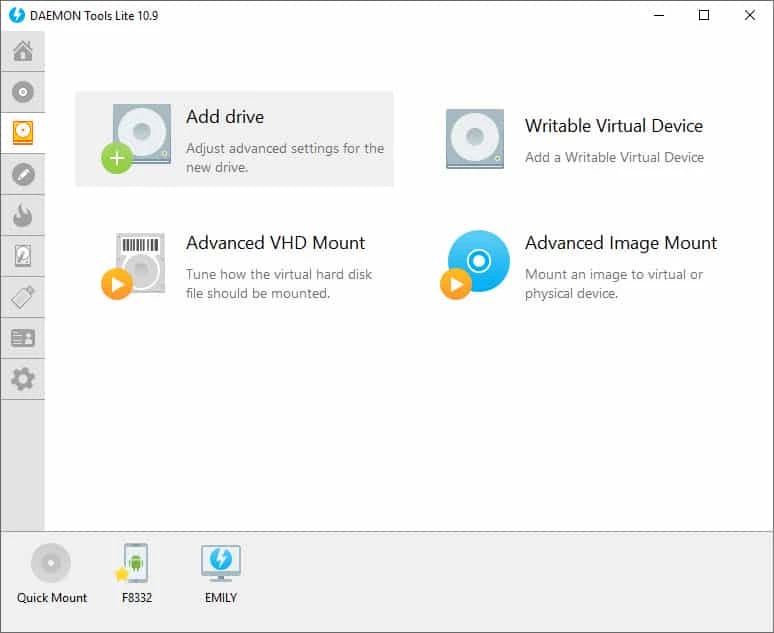
DAEMON Tools Lite 12.6.0.2461 is a Windows program that mounts disc images such as ISO files as virtual drives, so the system treats them like inserted CDs, DVDs or Blu-rays. You can download DAEMON Tools Lite from the official site when you need to open old game discs, software archives or backups without a physical drive.
| Parameter | Value |
|---|---|
| Version | 12.6.0.2461 |
| Developer | DAEMON Tools |
| Platform | Windows (a macOS product also exists) |
| Type | virtual drive and imaging tool |
| Licence | free edition with paid features |
| Languages | English, German, Spanish, French, Russian, Turkish, Japanese and many more |
| Installer size | about 44.80 MB according to catalogue data |
Modern Windows can mount a plain ISO file with a double-click, so many people wonder why they would need anything else. DAEMON Tools Lite goes further in several directions. It works with many image formats beyond ISO, including MDS/MDF, MDX, NRG and others created by old burning programs. It can create images from physical discs, so you can archive a collection of game or software discs before the media wears out. It emulates several virtual drives at once and keeps a catalogue of your images for quick mounting. Paid features in the same program add things like creating bootable USB sticks, mounting VHD disks and a larger number of virtual drives. The tool has a long history, and older game discs with copy protection were one of the reasons it became popular. Changes of each release are listed in the release notes history.
The official FAQ lists Windows XP, Vista, 7, 8, 8.1 and 10, plus Windows Server 2003, 2008 and 2008 R2, a 500 MHz CPU, 256 MB RAM and 30 MB of hard drive space for installation. Current builds are used on Windows 11 as well.
Use only daemon-tools.cc. The free edition shows advertising and has offered bundled software in the past, which led to criticism, so custom installation is worth the extra minute. The driver works at system level; remove the program cleanly through Settings if you stop using it.
The Lite edition is free for personal use, with ads. Individual advanced features and an ad-free licence are paid; check the official site for current options.
UltraISO on our site edits and converts ISO images, and Rufus writes images to bootable USB sticks. For downloading official Windows images, Media Creation Tool comes from Microsoft.
Google Play is Google's digital distribution platform. On Windows, Google offers Play content through the browser and Google Play Games on PC.

Media Creation Tool is a free Microsoft utility that downloads Windows and turns it into a bootable USB flash drive or an ISO file.

LDPlayer is an Android emulator for Windows that runs mobile apps and games on a computer.

BlueStacks is an Android emulator for Windows that lets you run Android apps and games on your PC.
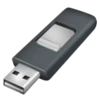
Rufus is a free Windows utility that turns a USB stick into a bootable installer. The current version is 4.15.

PC App Store is a free software store for Windows from Baidu for finding, installing and updating PC programs. This page covers version 5.0.1.8682.

Uptodown App Store for Windows is the desktop client of Uptodown, a marketplace for desktop software and mobile apps. This page covers version 1.0.3.

NoxPlayer is a free Android emulator from Bignox for Windows and macOS that runs mobile games and apps on a computer with keyboard and mouse control.